



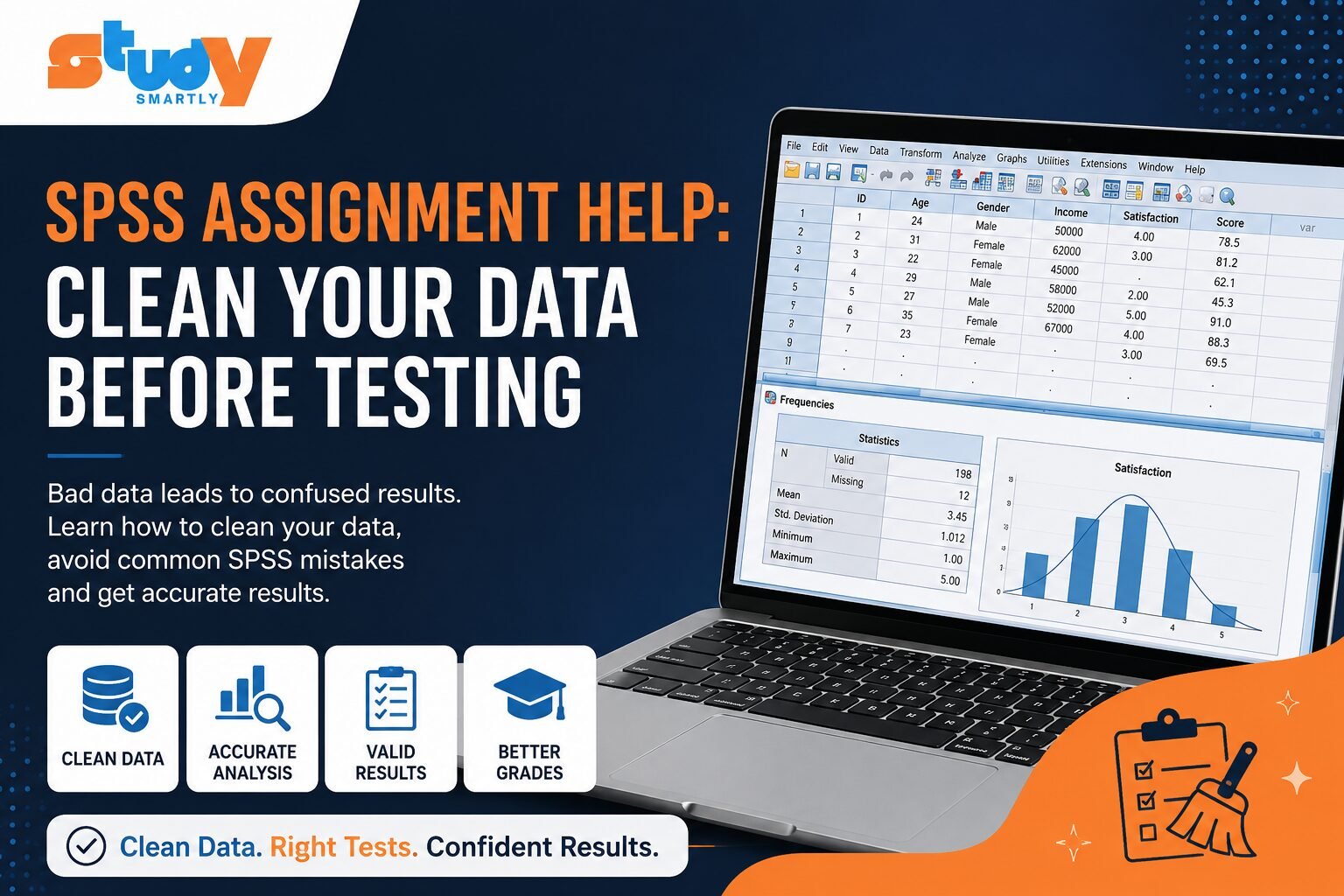
I had already run the same SPSS test 47 times, and it was nearly midnight. Every result looked different and none of them made sense. I checked my formulas, changed statistical methods, and even restarted the software.
Then I realized the real problem: it wasn’t SPSS. It was my data.
My dataset was full of missing values, duplicate entries, incorrect coding, and inconsistent responses. And no statistical test can fix bad data.
Many students focus on choosing the “right test,” but ignore the quality of their data. That’s why SPSS assignment help is often needed not because SPSS is hard, but because the data is messy.
Table of Contents
- What Went Wrong
- How to Identify Bad Data Before SPSS
- The 7 Biggest SPSS Mistakes
- Data Cleaning Checklist
- SPSS Tests to Avoid Without Clean Data
- Real Example
- Best Tools for Data Cleaning
- When to Get SPSS Assignment Help
- Expert Tips
- Conclusion
- FAQs
What Went Wrong?
Looking back, my dataset had almost every common issue:
- Poor Data Collection: Mixed scales (5-point vs 7-point)
- Missing Values: 18% incomplete responses
- Duplicate Entries: Same respondents submitted twice
- Wrong Variable Types: Categorical data treated as numeric
- Incorrect Coding: Reverse-coded items not fixed
- Outliers: Unrealistic values (e.g., 996 hours/week)
- Sampling Bias: Skewed toward one group
Individually, these seem small. Together, they destroy your results.
How to Identify Bad Data Before SPSS
Before running any test, check for these warning signs:
- Impossible minimum or maximum values
- Sudden drop in sample size after filtering
- No correlation where there should be one
- Cronbach’s Alpha below 0.6
- SPSS warnings like “insufficient cases”
- Invalid categories (e.g., Gender = 7)
- Results changing every time you rerun
If you see 2–3 of these → stop. Fix your data first.
The 7 Biggest SPSS Mistakes
1. Skipping Data Cleaning
Jumping straight into analysis without cleaning guarantees bad results.
2. Choosing the Wrong Test
Using t-tests for 3 groups or Pearson on ordinal data leads to misleading outputs.
3. Ignoring Missing Data Patterns
Missing data is not always random. Patterns (MCAR vs MAR) matter and can bias results.
4. Incorrect Variable Coding
SPSS treats labels mathematically if not coded properly.
5. Not Testing Assumptions Before Running Tests
ANOVA and regression require assumptions like normality and equal variance.
6. Ignoring Outliers
One extreme value can distort your entire analysis.
7. Small Sample Size
Too few observations = unstable, unreliable results.
Data Cleaning Checklist
Before running SPSS:
- Check variable types and labels
- Run frequencies on all variables
- Handle missing values (remove/impute)
- Remove duplicates
- Fix coding errors
- Convert variables correctly
- Detect outliers
- Test assumptions
- Confirm sample size
- Save cleaned dataset separately
SPSS Tests You Should NOT Run Until Your Data Is Ready
| Test | Common Misuse | Requirement Before Running |
|---|---|---|
| t-test | Used on 3+ groups | Only 2 groups allowed |
| ANOVA | Unequal variances ignored | Check homogeneity |
| Correlation | Used on ordinal data | Requires interval/ratio |
| Regression | No assumption testing | Check normality, linearity |
| Chi-square | Small sample size | Adequate expected counts |
| Factor Analysis | Too few cases | Large sample required |
If your data doesn’t meet these conditions → fix it first.
Visit StudySmartly
Real Example
A student collected 210 survey responses and immediately ran regression.
The results looked wrong.
After checking the data:
- 14 duplicate responses
- Uncoded reverse items
- Missing pages in surveys
After cleaning the data, the results completely changed—and finally made sense.
Best Tools for Data Cleaning
- SPSS: Final structured analysis
- Excel: Quick review and sorting
- Google Sheets: Collaboration
- R / Python: Advanced cleaning and automation
Most students only need Excel + SPSS.
When Should You Get SPSS Assignment Help?
You should consider help if:
- Deadline is near
- Data is still messy
- You don’t know which test to use
- Assumptions keep failing
- Dataset is too large
Getting help isn’t avoiding work it’s avoiding mistakes.
Expert Tips
- Create a codebook before collecting data
- Test your survey first
- Never overwrite raw data
- Always run frequencies
- Document cleaning steps
- Check assumptions before every test
- Get a second review
Conclusion
Running more tests won’t fix bad data.
Clean your data first.
Check assumptions.
Then run the right test.
That one habit will save you more time than anything else.
FAQs
What is SPSS assignment help?
Support for students facing issues in data cleaning, test selection, and result interpretation.
Why is data cleaning important?
Because unclean data produces misleading and unreliable results.
What should I check before analysis?
Frequencies, missing values, sample size, and variable types.
Missing value vs outlier?
Missing = no data.
Outlier = extreme but present value.
Can I use Excel before SPSS?
Yes. Excel is great for initial review; SPSS is for final analysis.
How many SPSS tests should a research project use?
Only as many as required by your research question—more tests ≠ better results.
When should you get SPSS assignment help?
When you’re stuck with data issues, tight deadlines, or unclear methodology.