



Assignment Tracker Template (Google Sheets): Free & Smart Way to Track Assignments Effectively
Managing assignments can quickly become overwhelming, especially when you are juggling multiple subjects, deadlines, and academic responsibilities. Many students struggle not because they lack ability, but because they lack proper organization. This is where an assignment tracker template becomes an essential academic tool.
At Studysmartly.tech, we help students not only with professional assignment help but also with smart academic tools that improve productivity. In this guide, we’ll explain how a Google Sheets assignment tracker template can help you manage assignments, track assignment status, and stay ahead of deadlines.
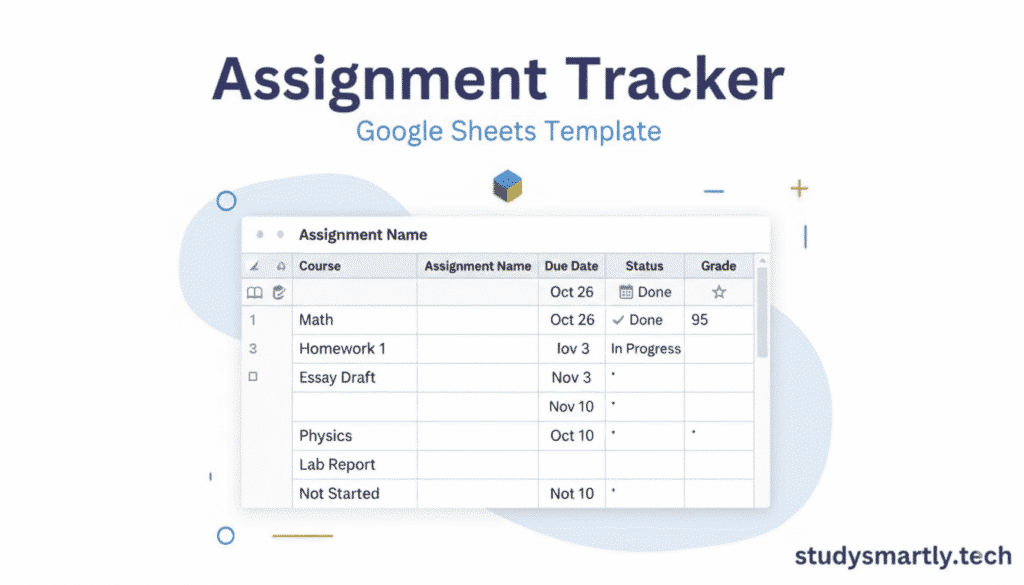
What Is an Assignment Tracker?
An assignment tracker is a structured system used to organize, monitor, and manage academic assignments from start to submission. Instead of keeping deadlines in your head or scattered notes, an assignment tracker stores everything in one clear and accessible place.
A good assignment tracker helps you record:
- Assignment title
- Subject or course
- Deadline
- Assignment status
- Priority level
- Notes or instructions
By using an assignment tracker, you always know what is due, what is in progress, and what has already been submitted.
Why Assignment Tracking Is Important for Students
Missed deadlines and last-minute stress are common problems among students. Without a proper system, assignments pile up, and important details get forgotten.
An assignment tracker solves these issues by giving you clarity and control over your academic workload.
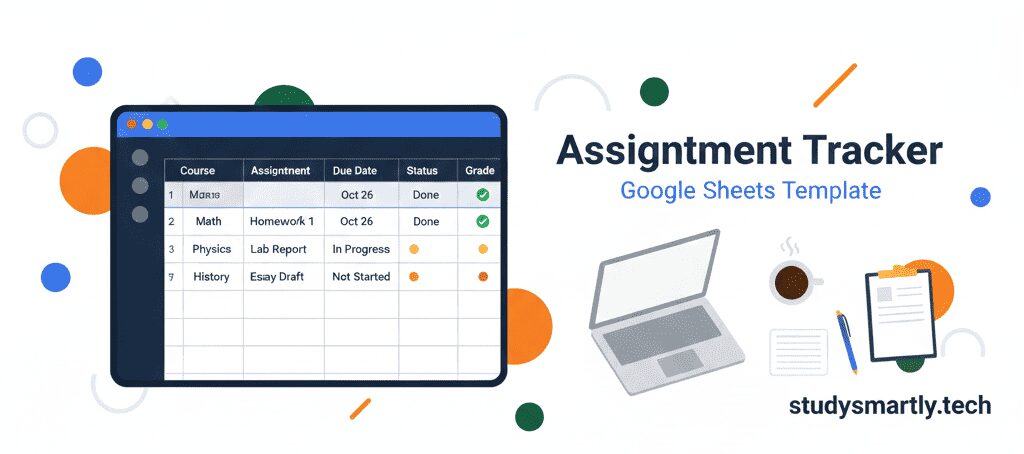
Benefits of Using an Assignment Tracker
- Keeps all assignments organized
- Helps track assignment status clearly
- Improves time management
- Reduces stress and confusion
- Encourages early preparation
- Improves academic performance
Students who manage their assignments properly often submit better-quality work and score higher grades.
Why Use an Assignment Tracker Template Instead of Making One From Scratch?
Creating your own tracker without structure can be confusing and time-consuming. That’s why using a ready-made assignment tracker template is the best choice.
An assignment tracker template:
- Saves time
- Provides a clean layout
- Includes essential columns
- Is easy to customize
- Works for all subjects
Instead of starting from zero, you get a professional framework that you can adapt to your needs.
Why Google Sheets Is Ideal for Assignment Tracking
Among all digital tools, Google Sheets is one of the most student-friendly options for assignment tracking.
Advantages of Google Sheets
- Free to use
- Accessible from mobile, tablet, and laptop
- Automatically saves your data
- Easy to edit anytime
- Can be shared for group assignments
A Google Sheets assignment tracker template gives you flexibility, convenience, and reliability, making it perfect for students at all academic levels.
What Is an Assignment Tracker Template in Google Sheets?
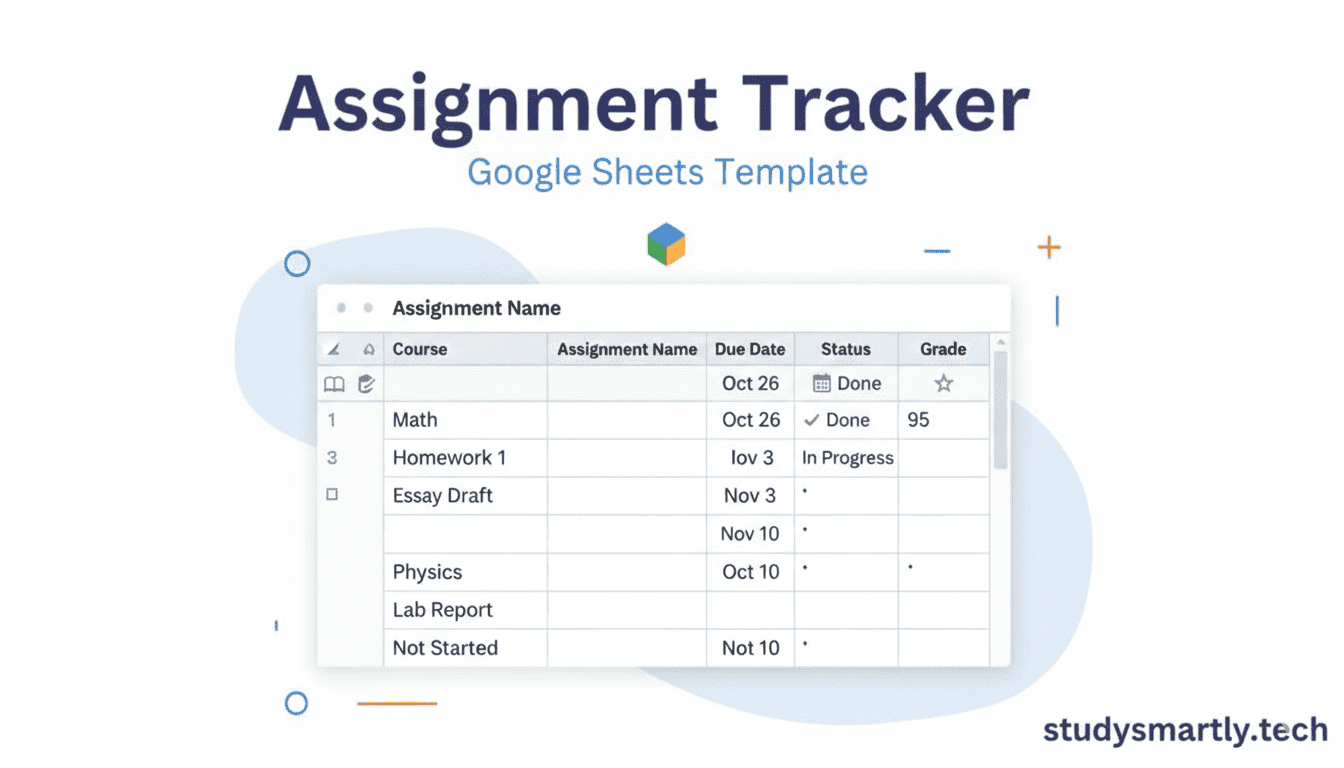
An assignment tracker template Google Sheets is a pre-designed spreadsheet created specifically for managing assignments efficiently.
It usually includes columns such as:
- Assignment name
- Subject or course
- Due date
- Assignment status
- Priority
- Notes
You only need to fill in your assignment details, and the tracker helps you stay organized throughout the semester.
Key Sections of an Effective Assignment Tracker Template
A well-designed assignment tracker template focuses on clarity and usability.
1. Assignment Information
This section helps you identify the assignment quickly. It includes:
- Assignment title
- Course or subject name
This is especially helpful when you are enrolled in multiple courses.
2. Due Dates
Deadlines are critical. This column ensures you never forget submission dates and helps you plan ahead.
3. Assignment Status
Tracking assignment status is the core function of an assignment tracker. Common statuses include:
- Not started
- In progress
- Completed
- Submitted
With one glance, you know exactly where each assignment stands.

4. Priority Level
Not all assignments are equal. Priority levels help you decide what to work on first.
5. Notes and Instructions
This section stores important details like formatting rules, word count, or reference requirements.
How to Use an Assignment Tracker Template in Google Sheets
Even if you are new to Google Sheets, using an assignment tracker is simple.
Step 1: Set Up the Template
Create a new Google Sheet or copy an existing assignment tracker template.
Step 2: Add All Assignments
At the start of the week or semester, list all assignments with deadlines and subjects.
Step 3: Update Assignment Status Regularly
Whenever you start or complete an assignment, update its status to keep the tracker accurate.
Step 4: Review Daily
Check your assignment tracker daily to stay focused and avoid last-minute panic.
Assignment Tracker vs Traditional Methods
Many students still rely on notebooks or sticky notes, but these methods have limitations.
Problems With Traditional Tracking
- Easy to lose
- No clear assignment status
- Hard to update
- Not accessible everywhere
Why Assignment Tracker Templates Work Better
- Structured and organized
- Editable anytime
- Accessible on all devices
- Clear overview of workload
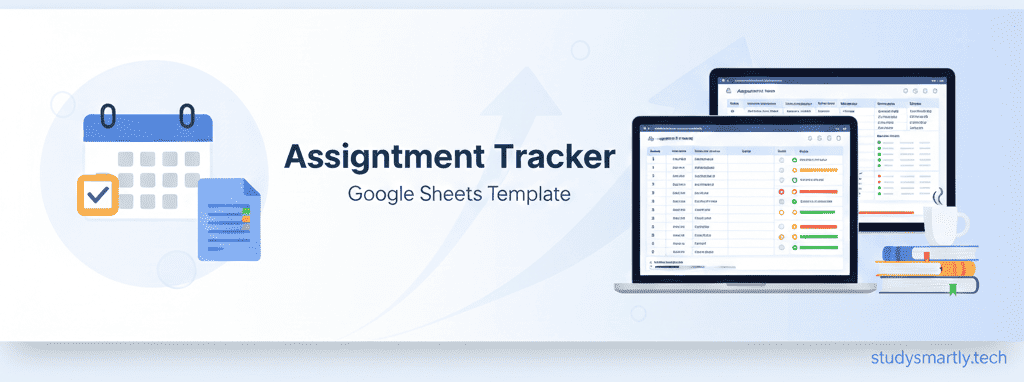
Who Should Use an Assignment Tracker?
An assignment tracker is useful for students at all levels.
School Students
Helps manage homework and subject-wise tasks.
College and University Students
Ideal for managing essays, reports, and research assignments.
Online Learners
Keeps assignments from different platforms organized in one place.
Students Using Assignment Help Services
If you take professional help from Studysmartly.tech, an assignment tracker helps you:
- Track submission timelines
- Monitor assignment progress
- Manage multiple services smoothly
You can explore our full academic support here:
👉 https://studysmartly.tech/
Using an Assignment Tracker Alongside Assignment Help
Sometimes, managing assignments is not enough. When deadlines are tight or topics are complex, professional help becomes necessary.
At Studysmartly.tech, we provide expert support for:
- Assignment help services: https://studysmartly.tech/
- Dissertation writing support: https://studysmartly.tech/dissertation-writing-services/
- Essay writing assistance: https://studysmartly.tech/essay-writing-services/
- MBA assignments: https://studysmartly.tech/mba-assignment-help/
- R programming assignments: https://studysmartly.tech/r-assignment-help/
Using an assignment tracker alongside professional academic help ensures nothing slips through the cracks.
Common Problems Students Face Without an Assignment Tracker
Without an assignment tracker, students often experience:
- Missed deadlines
- Confusion about assignment status
- Poor planning
- Rushed submissions
- Increased stress
An assignment tracker template helps prevent these issues by creating structure and discipline.
Tips to Get the Best Results From Your Assignment Tracker
To make the most of your assignment tracker template:
- Update it daily
- Use clear assignment titles
- Review deadlines weekly
- Keep notes concise
- Track assignment status honestly
Small habits lead to big improvements over time.
Can an Assignment Tracker Improve Academic Performance?
Yes, indirectly but significantly.
When assignments are:
- Planned early
- Properly tracked
- Submitted on time
Students naturally perform better. An assignment tracker supports consistency, which is key to academic success.
Assignment Tracker for Group Assignments
Group assignments often fail due to miscommunication. A Google Sheets assignment tracker template can be shared with group members to:
- Assign responsibilities
- Track progress
- Monitor deadlines
- Maintain accountability
Everyone stays aligned, and work becomes smoother.
Is an Assignment Tracker Difficult to Maintain?
Not at all. Updating your assignment tracker takes only a few minutes per day. Compared to the stress and confusion it prevents, the effort is minimal.
Once it becomes part of your routine, it feels natural and effortless.
Frequently Asked Questions
What is the best assignment tracker for students?
A Google Sheets assignment tracker template is one of the best options because it is free, simple, and accessible.
Can beginners use an assignment tracker?
Yes. Assignment tracker templates are beginner-friendly and require no technical skills.
How often should I update my assignment tracker?
Ideally, update it whenever the assignment status changes or at least once daily.
Final Thoughts
An assignment tracker template (Google Sheets) is a powerful academic tool that helps students stay organized, focused, and stress-free. It gives you full visibility of your assignments, deadlines, and progress.
When combined with expert academic support from Studysmartly.tech, an assignment tracker becomes even more effective. Whether you are managing essays, dissertations, or technical assignments, the right tools and guidance can make all the difference.
Start using an assignment tracker today and take control of your academic journey with confidence.